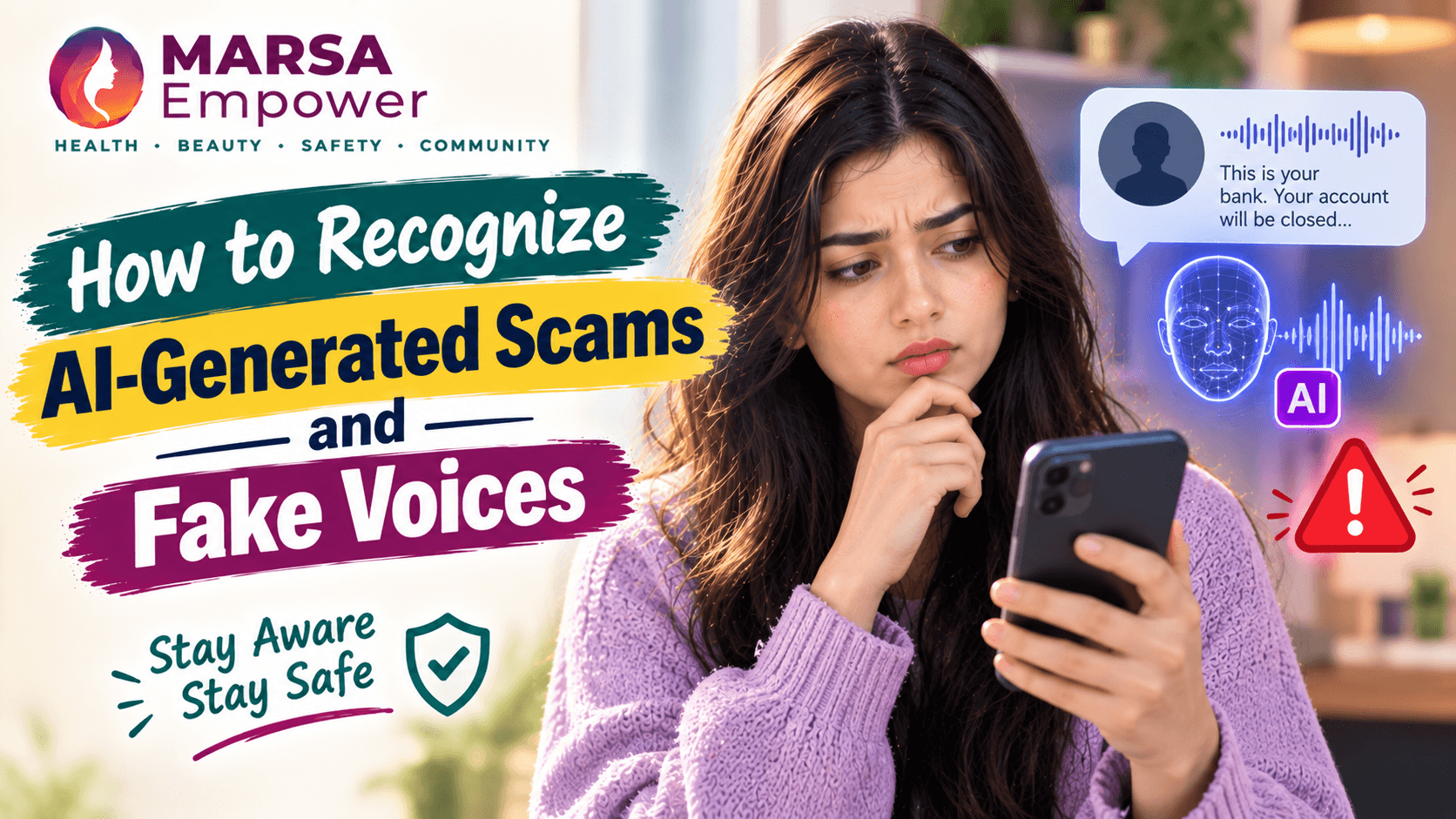
Discover how to identify AI-generated scams and fake voices with expert insights and actionable tips to protect yourself online.

Maryam Mumtaz
Co-Founder & CEO
14 min read•10/15/2026
Marsa Empower · Digital Safety and Awareness · For All Ages · 14 min read
A phone call arrives. The voice sounds exactly like your son, your sister, or your closest friend. They are in trouble. They need money transferred urgently. They ask you not to tell anyone else yet.
The voice is real. The emergency is not.
Artificial intelligence can now generate realistic voices, create convincing photographs of people who do not exist, produce videos in which real people appear to say things they never said, and write professional-sounding messages that are entirely fabricated. These tools have genuine and valuable uses in education, creativity, and accessibility. But scammers are using the same technology to deceive people in ways that were not previously possible.
This guide is for teenagers, students, young women, parents, and anyone who wants to understand what AI-generated scams look like, how to verify suspicious content, and how to protect themselves and the people they care about.
The goal is not to make every phone call or online message feel threatening. The goal is to give you one simple habit that works in almost every situation: pause, verify independently, and do not share money or sensitive information until you have confirmed who you are actually talking to.
AI-generated scams use artificial intelligence tools to create fake content that is designed to deceive. The following categories are the most commonly reported.
Voice cloning technology can generate speech that closely resembles a real person's voice using only a short recording, sometimes just a few seconds of audio. Scammers collect voice samples from voicemail messages, social media videos, and public recordings. They then use AI software to produce a convincing imitation of that person's voice, which they use to make phone calls, send voice messages, or conduct fake video calls.
Deepfake technology can place a real person's face and voice into video footage they were never part of. It can also generate entirely artificial photographs of people who do not exist, which are used to create fake social media profiles, fake recruiter identities, and fake testimonials.
AI can produce large volumes of professional-sounding emails, text messages, and social media messages at low cost. These messages can be personalised using publicly available information to appear as if they come from a known contact, an employer, a government agency, or a financial institution.
AI image generators can create realistic photographs of people who do not exist. These images are used to build fake profiles on LinkedIn, Instagram, Facebook, and other platforms, which are then used for fraud, romance scams, or impersonation.
All of the above can be combined to impersonate specific real people. A scammer can use a cloned voice, a fake profile photograph, and a fabricated message together to impersonate a family member, a recruiter, a school, a bank, or a public figure.
AI has many legitimate and beneficial uses. The same tools that allow a person with a speech disability to communicate can be misused to defraud. Understanding the misuse does not mean avoiding technology. It means knowing what to look for and how to verify.
The following section describes common scam patterns. These are illustrative examples based on documented fraud types, not specific verified incidents unless otherwise stated.
A scammer collects a short voice recording of a family member from a public video, a voicemail, or a social media post. They use AI voice cloning software to create a version of that voice that sounds convincingly real.
They call a parent, a grandparent, or another family member and play the cloned voice asking for urgent help. The caller says they have been in an accident, they have been arrested, or they are stranded somewhere without money. They ask for an immediate transfer and request that the family member not call anyone else yet.
With a convincing copy of a familiar voice, the scam can begin with something that has traditionally made us feel safe: recognition. The pressure is emotional, and that is precisely what makes the fraud effective.
A fake recruiter, using a generated profile photograph and an AI-written job offer, contacts a student or job-seeker through LinkedIn, WhatsApp, or email. The offer includes a salary that is slightly above the typical market rate, a well-known company name, and a request to pay an application fee or training deposit to confirm the position.
The recruiter sounds professional. The documents look real. The company's name and logo are copied from a genuine business. The job does not exist.
A cloned voice, imitating a colleague, a business partner, or an employer, calls to request an urgent payment. The caller explains that a transaction needs to happen immediately, that the usual process cannot be followed today for a stated reason, and that the matter must be kept confidential for now.
A deepfake video shows a public figure, a community leader, or a well-known person making a statement they never actually made. The video is shared widely on social media and messaging apps before anyone has checked its authenticity.
The following warning signs do not automatically prove that a communication is fraudulent, but several of them appearing together deserve careful investigation before any action is taken.
| Warning Sign | What It Looks Like |
|---|---|
| Unexpected request for money | Any request for an urgent transfer, particularly from an unfamiliar number |
| Pressure to act immediately | "Transfer the money right now." "There is no time to call anyone else." |
| Request for secrecy | "Do not tell your father." "Keep this between us for now." |
| Request for passwords, OTPs, or PINs | No genuine family member, employer, or bank needs your OTP or banking PIN |
| New or unknown phone number | A familiar person calling from an unfamiliar number |
| Suspicious links or payment instructions | Links asking you to log in or complete a payment to an unfamiliar service |
| Unverified accounts claiming to be trusted organisations | A social media account with a familiar logo but no verified status or history |
| Requests to avoid official channels | "Do not call the bank directly." "Do not use the official website." |
Unnatural speech rhythm, visual glitches in a video, or a face that seems to move in a slightly unusual way may sometimes be present in AI-generated content. However, AI technology is improving rapidly.
AI voice cloning is now explicitly being recognised as part of the emerging deepfake threat. The safest response to an urgent voice call is to slow down and verify.
Realistic AI content can have no obvious defects. Do not rely only on technical clues. Independent verification is more reliable than trying to detect AI by listening or watching carefully.
No single test can reliably identify every piece of AI-generated or manipulated content. Use the tools described below as part of a broader approach to verification, not as the only check.
Google DeepMind developed SynthID as a way of embedding an invisible digital watermark into AI-generated content. This watermark is different from a visible watermark such as a logo placed over an image. It is embedded at the data level of the image, audio, or video file and is not visible to the human eye.
The watermark is designed to remain detectable even if the content is later edited, compressed, or converted to a different format.
What SynthID can tell you: If SynthID detects a watermark in a piece of content, it indicates that the content was generated by a Google AI tool that uses SynthID. This is evidence of AI involvement.
What SynthID cannot tell you: If SynthID does not detect a watermark, this does not prove the content is genuine. The content may have been produced by a tool that does not use SynthID, or the watermark may not be present or detectable. SynthID is not a universal deepfake detector. Its absence proves nothing.
Official SynthID page: https://deepmind.google/models/synthid/
Google announced wider public access to the SynthID Detector on 7 October 2026, with availability globally in English. Always check the official page for the current availability, supported file formats, and any access requirements, as these may change.
Step-by-step process:
Google's Gemini can also check supported media for SynthID watermarks.
This check looks for SynthID signals associated with Google AI tools. It is not a universal test for all AI-generated content, and its coverage depends on what tools were used to create the content.
Detection of a SynthID watermark is evidence that the content was generated by a Google AI tool that uses this system. It does not automatically prove that the content is a malicious deepfake or that it contains false information. AI-generated content created for legitimate purposes would also carry this watermark. Use the finding as one input in a broader assessment.
A negative result does not prove that the content is genuine. It means that no SynthID watermark was found in this particular file. The content may have been produced by a tool that does not use SynthID, by an older AI system, or by a method that does not embed this watermark. Absence of detection is not evidence of authenticity.
Reverse image search Use Google Lens (https://lens.google.com) or Google Images to search for earlier appearances of a photograph. If an image was produced by AI or taken from another context, reverse image search may reveal its origin.
Check the original uploader and publication date If a video is circulating on social media, find the original upload. When was it first posted? By whom? Does the date and context match what people are claiming about it?
Compare claims with credible news reporting If a video or message makes a significant claim, search for reporting from credible news organisations. If a well-known person has been shown saying something controversial, a credible news organisation would likely have reported on it.
Contact the person through a known number If you receive a suspicious call or message from what appears to be a family member or a known contact, hang up and call that person back using the number you have stored in your own contacts. Do not use a number provided by the caller.
Verify announcements through official websites If a message claims to come from a bank, a government agency, a university, or another organisation, verify the claim through that organisation's official website using a URL you find yourself.
The Pioneer, reporting on 15 September 2026, described a Kolkata incident reported in August in which a man received a phone call that sounded completely genuine but was a voice cloning fraud. The report noted that India's Citizen Financial Cyber Fraud Reporting and Management System had helped save more than Rs 11,158 crore across over 32.80 lakh complaints by 30 June 2026. India's national cyber-fraud helpline is 1930.
What this tells readers: Voice cloning scams are already being reported at significant scale in South Asia. The familiar sound of a voice is no longer proof of identity. When an urgent call requests money, pause and verify through a separate, trusted channel.
Source: The Pioneer, 15 September 2026 https://dailypioneer.com/news/when-your-voice-is-no-longer-proof
Tamil Nadu Police issued an official advisory warning that cybercriminals employing AI-assisted voice cloning techniques were making calls to victims, imitating the voices of trusted contacts and faking emergencies to extract money. The advisory asked people to stay informed about common scams such as voice cloning fraud and look out for warning signs. The cyber criminals employing AI-assisted techniques often ask victims to use payment methods such as UPI to send money.
What this tells readers: Official law enforcement agencies are now actively warning the public about this fraud type. The pattern is consistent: a cloned voice, a fabricated emergency, and a request for immediate payment through a digital method.
Source: Inc42, reporting on Tamil Nadu Police advisory, 2026 https://inc42.com/?p=454767
Reporting in 2026 noted that 1 in 10 people surveyed reported having received a message from an AI clone. Experts recommend establishing a secret safe phrase with loved ones, so that if a suspicious call is received, identity can be verified.
What this tells readers: This is not a rare or isolated risk. A family safety word or verification phrase is a practical and low-cost measure that any family can put in place today.
Source: Yahoo News / Associated Press, 2026 https://www.yahoo.com/news/articles/ai-powered-cloned-voice-scams-222105818.html
Use the following steps when you receive any unexpected call involving an emergency, a request for money, or a request for personal information.
Step 1: Pause before doing anything. An urgent tone and emotional pressure are deliberate tactics. Taking ten seconds to stop and think before responding is the single most effective protective habit.
Step 2: Call the person back using a trusted number. If someone calls claiming to be a family member or colleague, hang up and call that person using the number saved in your own contacts. Do not use a number provided by the incoming caller.
Step 3: Verify emergencies with another family member. If you receive a call claiming a family member is in danger, contact another family member or a trusted person directly to check whether the emergency is real.
Step 4: Agree on a family verification word or phrase. Experts recommend establishing a secret safe phrase with loved ones so that if a suspicious call is received, identity can be verified. This is a word or short phrase that only your family knows, which can be used to confirm identity in a suspicious situation.
Step 5: Never share an OTP, password, or banking PIN. No family member, employer, bank, or government agency ever needs your OTP or banking PIN over the phone. Sharing these gives someone direct access to your accounts.
Step 6: Avoid clicking unexpected payment or verification links. If a message includes a payment link or a login link, do not click it. Go to the official website directly by typing the address yourself.
A familiar voice alone is not proof of identity. Verify independently before taking any financial action.
Scammers collect material from public sources to build voice clones and deepfake videos. The following steps reduce the material available to them.
Review social media privacy settings. Check who can see your posts, videos, and recordings. Limiting public access to your content reduces the material available for misuse.
Be thoughtful about public video and audio content. Extended public video recordings, interviews, and voice messages contain the voice samples that cloning tools use. This does not mean stopping all sharing. It means being aware that publicly available recordings can be misused.
Avoid applications requesting excessive permissions. Some mobile applications request access to your microphone, camera, and stored files beyond what they need to function. Review permission requests before granting them.
Use strong, unique passwords and multi-factor authentication. Securing accounts prevents unauthorised access to stored photographs, videos, and messages that could be used to build a fake profile or a deepfake.
Be careful when sharing identity documents. Photographs of your national identity card, passport, or other documents shared with unverified parties can be used for impersonation. Only share identity documents with verified, official parties.
Report impersonation and unauthorised use of your content. All major social media platforms provide reporting tools for fake accounts using your photographs or identity. Use them if you discover impersonation.
If you discover that someone is using your voice, image, or identity to deceive others, take the following steps.
Save the evidence. Screenshot the fake profile, save the URL, preserve any messages sent from the fake account, and record the account name and any contact details associated with it.
Report the account to the platform. Use the platform's official reporting function to report the account for impersonation. Major platforms including Instagram, Facebook, LinkedIn, TikTok, and X have impersonation reporting categories.
Alert the people who may have been targeted. Contact your actual friends, family members, or colleagues through your own verified accounts to let them know that a fake account exists and that any requests made from it are not from you.
Secure any compromised accounts. Change passwords on accounts that may have been accessed. Enable two-factor authentication. Check the list of active sessions and devices.
Report threats, blackmail, or fraud to the appropriate authorities. If the impersonation involves threats, financial fraud, or image-based abuse, report it to the relevant cybercrime authority. Resources are listed in the next section.
You are not to blame for someone else's decision to misuse technology against you. Seek support from a trusted person and focus on the practical steps.
If you have already sent money or shared financial information in response to what you now believe was an AI-assisted scam, take these steps.
Contact your bank or payment provider immediately. Tell them that you believe you have been deceived and ask what options are available to you. Act quickly. The faster you contact them, the greater the chance of any available remedy.
Preserve all transaction records and communications. Save receipts, screenshots of messages, the phone number or account that contacted you, and any links or documents that were shared.
Report to the relevant platform. If the contact came through WhatsApp, Facebook, LinkedIn, or another platform, report the account using the platform's official reporting function.
Contact the appropriate fraud-reporting authority in your country. Reporting does not guarantee recovery of lost money, but it creates an official record and may support an investigation.
Reporting resources by country:
| Country | Authority | Contact |
|---|---|---|
| Pakistan | NCCIA | https://complaint.nccia.gov.pk, Helpline: 1799 |
| Pakistan | FIA Cybercrime | https://www.fia.gov.pk/en/complaint |
| India | National Cyber Crime Portal | https://cybercrime.gov.in, Helpline: 1930 |
| UK | Action Fraud | https://www.actionfraud.police.uk |
| USA | FTC | https://reportfraud.ftc.gov |
| Australia | Scamwatch | https://www.scamwatch.gov.au |
Seek support from a trusted person. Discovering you have been deceived is distressing. You do not need to manage the aftermath alone. A trusted family member, friend, or adviser can help you work through the next steps.
Families should discuss voice-cloning scams with older members rather than assuming they will recognise one. The same applies to teenagers, who may be targeted through fake recruiters, fake scholarship offers, or fake social media profiles.
Discuss AI impersonation without creating unnecessary fear. The goal of these conversations is awareness, not anxiety. Explaining how voice cloning works and why a familiar voice is no longer automatic proof of identity is a practical conversation, not a frightening one.
Establish a family verification plan. Agree on a safe word or phrase that family members can use to verify identity in a suspicious situation. Agree that anyone who calls claiming an emergency and asking for immediate payment will be called back on a known number before any action is taken.
Encourage children to ask for help before acting. Make it clear that asking about a suspicious call or message is the right thing to do, not an overreaction. A child who feels safe asking a parent or trusted adult will be better protected than one who feels they should handle it alone.
Avoid blaming children who have been deceived. AI-generated scams are designed by professionals to deceive adults. If a child or teenager has already sent money or shared information, the response should be calm, practical, and focused on the next steps, not on blame.
Teach children not to share private information with unverified callers. OTPs, passwords, home addresses, and financial information should never be shared with an unverified caller regardless of how familiar the voice sounds.
| Resource | Purpose | URL |
|---|---|---|
| Google SynthID | AI watermark verification tool | https://deepmind.google/models/synthid/ |
| Google Gemini | Check supported content for SynthID watermarks | https://gemini.google.com/ |
| Google Lens | Reverse image search | https://lens.google.com |
| Pakistan NCCIA | Cybercrime reporting portal | https://complaint.nccia.gov.pk |
| Pakistan FIA Cybercrime | Online fraud reporting | https://www.fia.gov.pk/en/complaint |
| India Cybercrime Portal | Cybercrime and fraud reporting | https://cybercrime.gov.in |
| FTC Consumer Advice | AI and voice cloning scam guidance | https://consumer.ftc.gov |
| Action Fraud (UK) | Fraud reporting | https://www.actionfraud.police.uk |
| Scamwatch (Australia) | Consumer fraud reporting | https://www.scamwatch.gov.au |
| MIT Media Lab | Research on deepfake detection | https://www.media.mit.edu |
A convincing voice, a realistic photograph, and a polished video can all be created by AI. They can be made quickly, cheaply, and by people with no technical background beyond access to widely available tools.
This does not mean every call, video, or message is suspicious. The vast majority of communications you receive are genuine. But when something unexpected arrives with urgent pressure, a request for money, or a request for sensitive information, the right response is the same in every case: pause, verify independently, and do not act until you have confirmed who you are actually dealing with.
One simple habit, applied consistently, is more protective than any technical tool.
MARSA Empower is built on the belief that every girl and woman deserves access to safety awareness, practical knowledge, and the confidence to act on it. Understanding how AI can be used to deceive is part of that safety knowledge. So is knowing that the response to deception is not fear. It is verification.
Pause. Verify. Protect.
Marsa Empower: Care. Safety. Growth. marsaempower.com
The Pioneer (India) - "When your voice is no longer proof", 15 September 2026 https://dailypioneer.com/news/when-your-voice-is-no-longer-proof
Inc42 - "Tamil Nadu Police Issues Advisory On New Scam Using AI-assisted Voice Cloning", 2026 https://inc42.com/?p=454767
Yahoo News / AP - "AI-powered cloned voice scams on the rise", 2026 https://www.yahoo.com/news/articles/ai-powered-cloned-voice-scams-222105818.html
Punjab and Sind Bank (India) - Official advisory on AI Vishing Scams, January 2025 https://punjabandsind.bank.in/system/uploads/document/2150_2025010110373137481.pdf
Google DeepMind - SynthID official page https://deepmind.google/models/synthid/
FTC Consumer Advice - Voice cloning fraud guidance https://consumer.ftc.gov
Pakistan NCCIA - Cybercrime complaint portal https://complaint.nccia.gov.pk
India National Cyber Crime Reporting Portal https://cybercrime.gov.in
Action Fraud (UK) https://www.actionfraud.police.uk
Scamwatch (Australia) https://www.scamwatch.gov.au
Caption: "8 warning signs that a call, message, or video may be an AI-generated scam." Content: Eight icons with short labels based on the warning signs table in this article. Include a note at the bottom: "Multiple warning signs together deserve careful investigation." Placement: After the Warning Signs section.
Caption: "How to use Google SynthID Detector: a step-by-step guide." Content: A six-step visual showing the SynthID verification process described in section 5.2. Include a clear note: "Not detecting a watermark does not prove content is genuine." Placement: After the SynthID Detector section. Do not use fabricated screenshots of the Google tool.
Caption: "Three steps to use every time you receive an unexpected urgent request." Content: A simple three-panel graphic. Panel 1: Pause (stop icon). Panel 2: Verify (phone icon, call back on a known number). Panel 3: Protect (shield icon, do not share OTP or payment until verified). Placement: After the How to Protect Yourself section.
Caption: "What SynthID can and cannot tell you." Content: A simple two-column comparison. Left column: "Watermark found: evidence of Google AI involvement in this content." Right column: "No watermark found: does not prove the content is genuine. The tool may not cover every AI system." Placement: After sections 5.4 and 5.5.
Disclaimer
This article is for educational and safety-awareness purposes only. It does not constitute legal advice. Official resources, reporting portals, and emergency numbers should be verified locally before use. If you are in immediate danger, contact your local emergency services.
Marsa Empower | Care. Safety. Growth. Visit marsaempower.com for women's health, personal safety, and digital awareness resources.
Medical Disclaimer
This article is for general informational and educational purposes only and is not a substitute for professional medical advice, diagnosis, or treatment. Always seek the advice of a qualified healthcare provider with any questions you may have regarding a medical condition. Never disregard professional medical advice or delay seeking it because of something you have read on MARSA Empower.
Written By
Maryam Mumtaz
Co-Founder & CEO
Co-Founder of MARSA Empower who leads the visual and strategic evolution of the platform. Maryam bridges technical complexity with human-centric design, architecting the team's official roadmap and ensuring MARSA effectively addresses the real-world needs of women. With deep expertise in agentic AI, full-stack development, and UI/UX design, she has delivered 50+ projects for 30+ satisfied clients.
Enjoyed this story?